

TP Classic Modern Controller UI
Modern controller prompts, reimagined in the style of Twilight Princess.
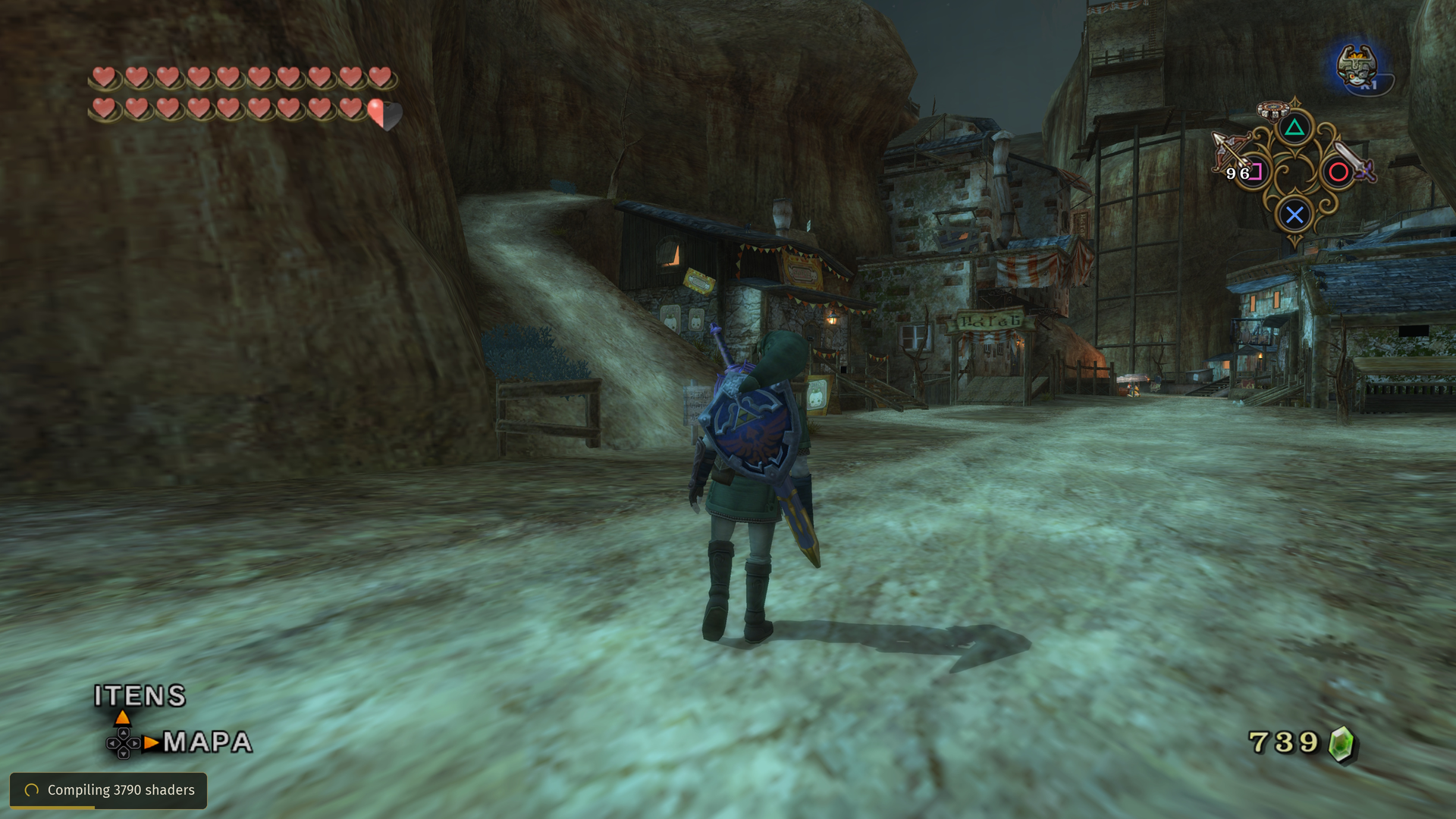
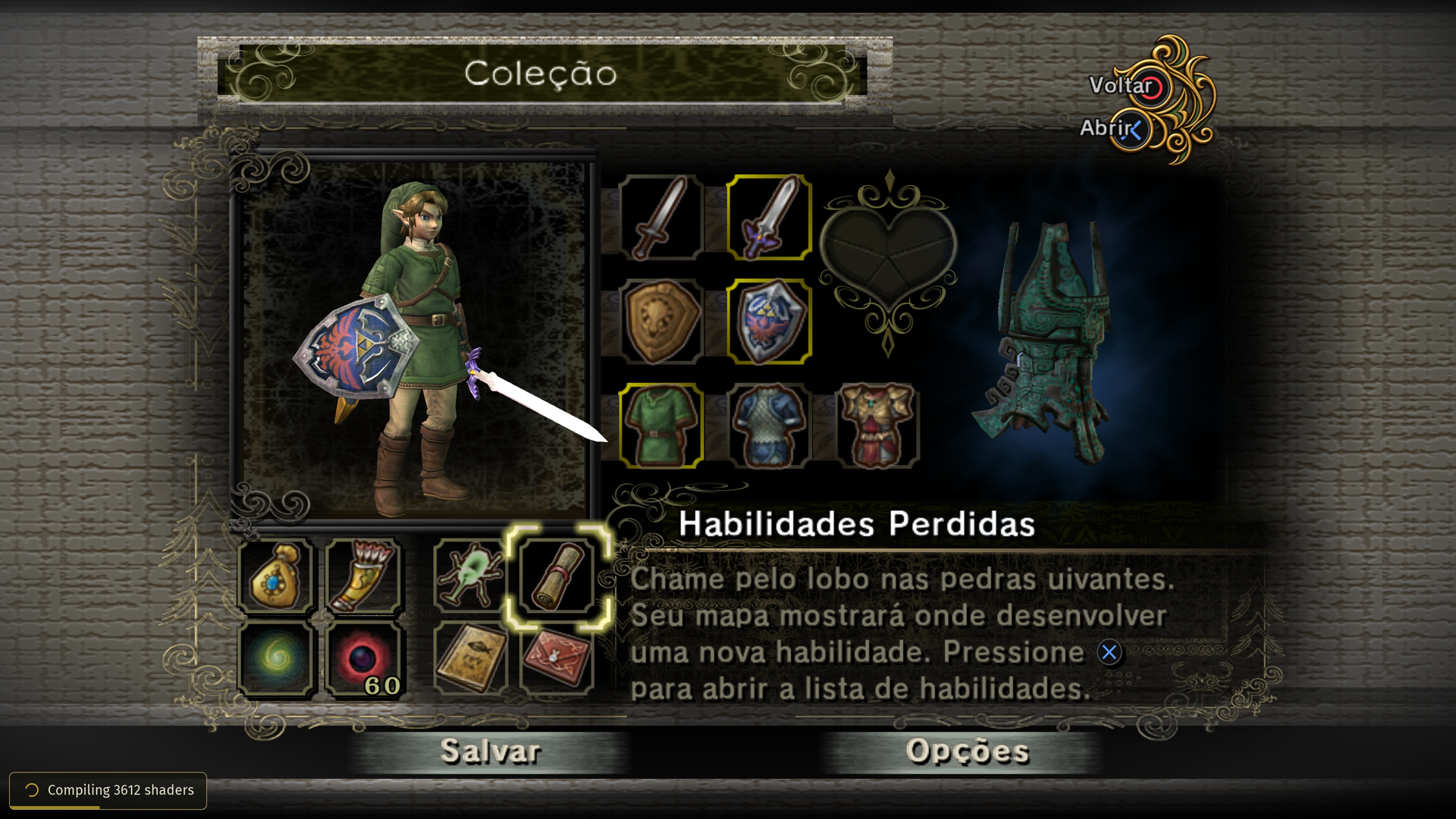
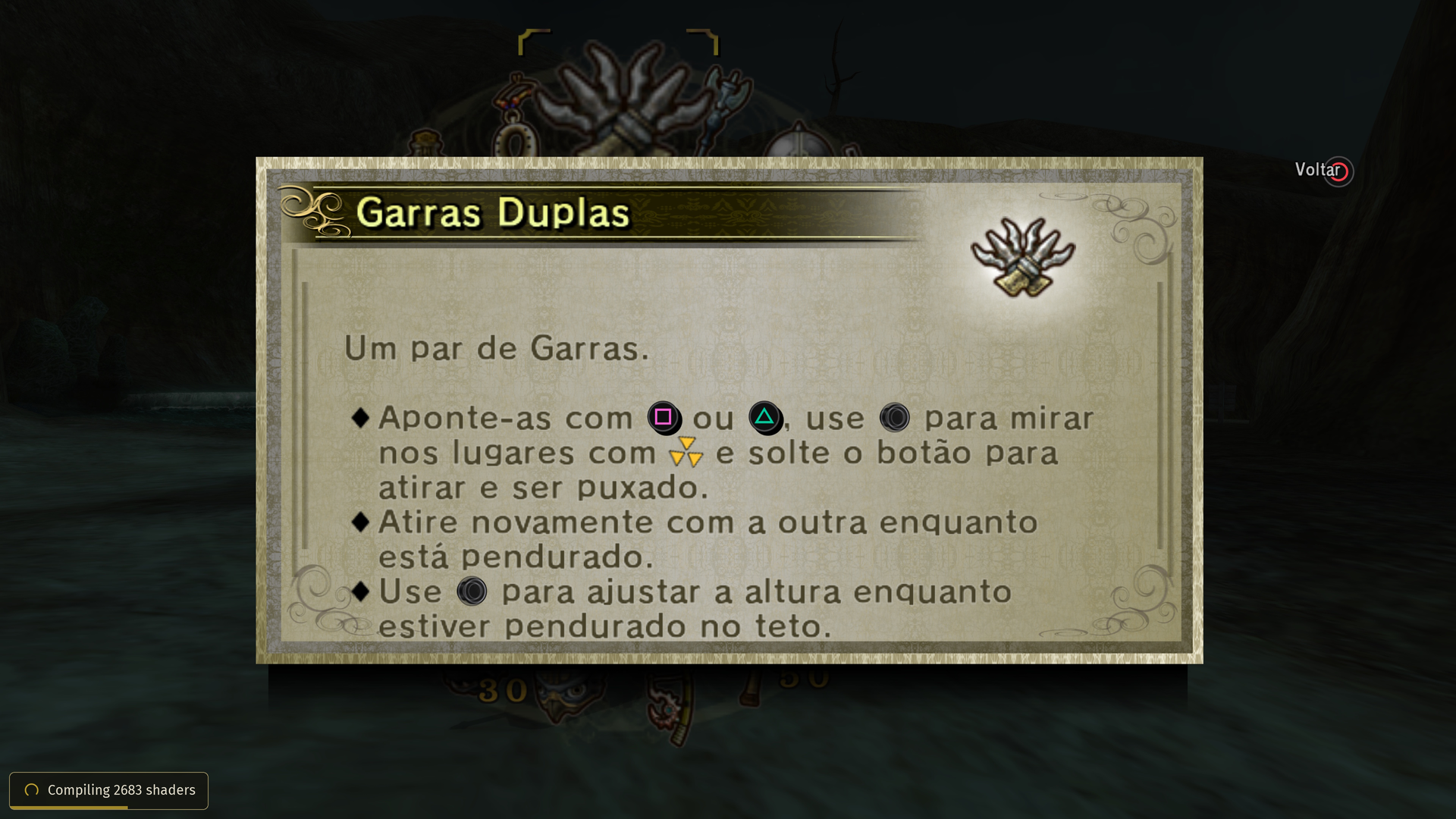
TP Classic Modern Controller UI updates the interface of The Legend of Zelda: Twilight Princess with modern PlayStation, Xbox and Switch controller prompts, while preserving the visual identity of the original game.
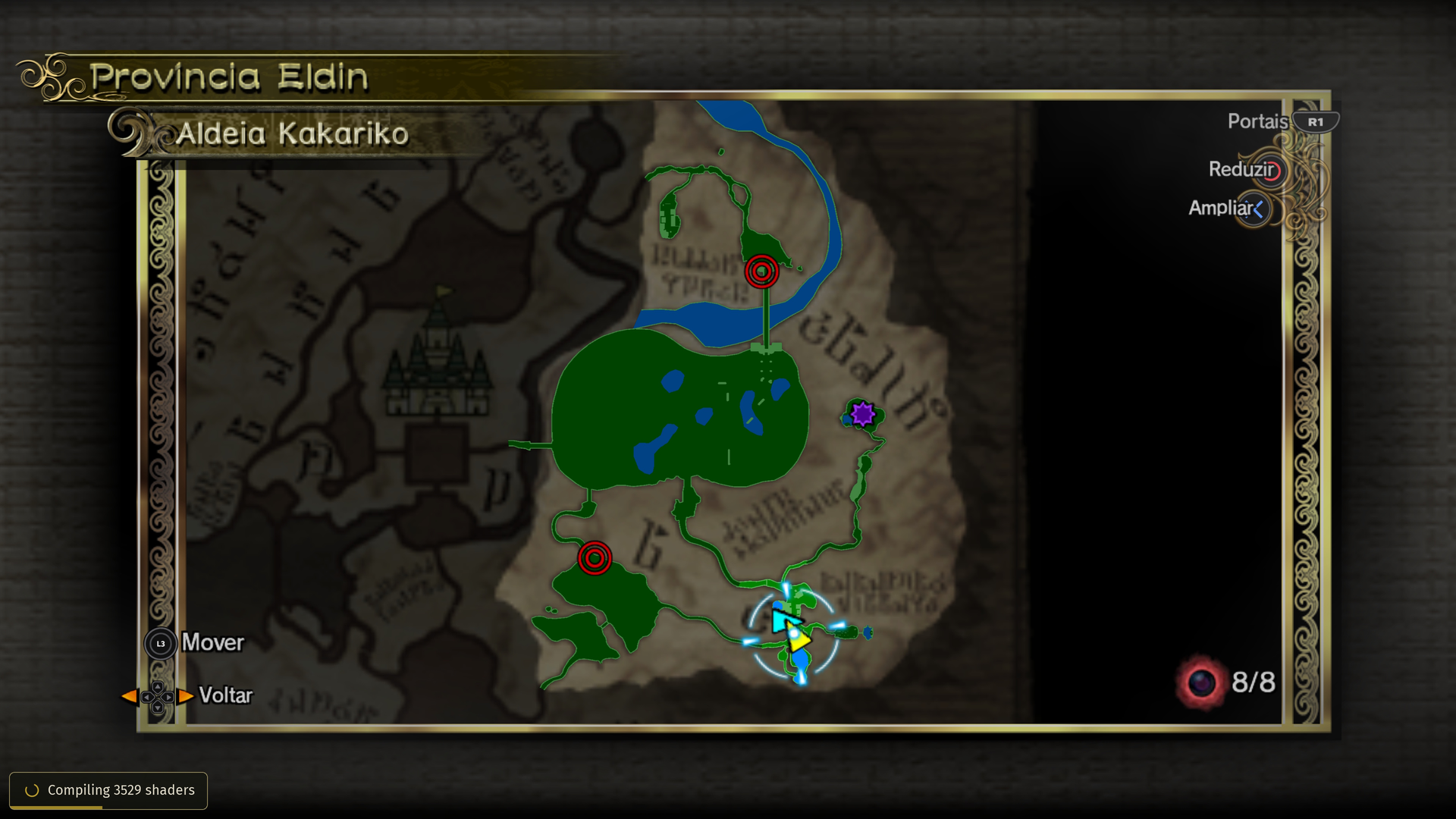
The mod includes custom button artwork, redesigned UI elements, native-style animations and extensive positioning and scaling options for HUD, menus, maps, dialogue prompts, Item Wheel, Wolf actions, save screens and more.
It follows the functional mapping of the original GameCube controls, adapting them naturally to modern controllers instead of simply matching button letters.
Highlights
- PlayStation, Xbox and Switch support
- Custom Twilight Princess-inspired controller prompts
- Item Wheel, World Map and Dungeon Map support
- Dialogue and contextual action prompts
- Wolf / Senses / Dig interface support
- Save, file-selection and menu UI support
- Native-style animated analog prompts
- Compatibility improvements for Twilit Essentials
- Controller-specific presets
- Custom texture replacement support for PlayStation, Xbox and Nintendo Switch prompts using Dusklight's native Texture Replacements system.
The goal is to make modern controller prompts feel naturally integrated into Twilight Princess while giving the interface a cleaner and more distinctive presentation.
Custom Texture Replacements
Starting with v1.4.0, TP Classic Modern Controller UI supports custom replacements for its own controller and UI textures through Dusklight's native Texture Replacements system.
Players can replace PlayStation, Xbox and Nintendo Switch button prompts, as well as supported custom HUD and menu ornaments, without modifying the mod or rebuilding the .dusk file.
Custom textures can be provided as PNG or DDS files and may use a higher resolution than the original texture. The mod's existing HUD positioning, scaling and calibration remain unchanged, so only the artwork itself is replaced.
To create your own texture:
Download one of the reference PNGs available in the mod's GitHub repository.
Edit it using the original artwork as a base.
Rename the finished image using the corresponding Dusklight texture replacement filename listed in the replacement manifest.
Place the file in Dusklight's user texture_replacements folder.
Make sure Texture Replacements is enabled in Dusklight.
The reference PNGs are direct conversions of the original BTI textures used by the mod, preserving their dimensions, transparency, shadows and highlights.
These reference files are provided only through the repository and are not included in the .dusk package.
AI Disclosure
AI-assisted tools were used during parts of the development process, mainly for code review, debugging, documentation, text refinement, graphics and workflow support. All implementation decisions, testing, visual direction, asset selection, balancing, and final approval were performed by the mod author. AI-generated output was not treated as authoritative and was reviewed, modified, or discarded as needed before inclusion in the project.
Created by XandasLegend.
Screenshots
Dependencies
v2.0.0-alpha.2+
Changelog
• Added support for custom texture replacements for TP Classic Modern Controller UI. • PlayStation, Xbox and Nintendo Switch button textures can now be replaced through Dusklight's native Texture Replacements system. • Custom HUD and menu ornament textures can also be replaced. • Custom replacements can use higher-resolution PNG or DDS files while keeping the mod's existing positioning, scaling and calibration. • Added reference PNGs converted directly from the mod's original BTI textures to the GitHub repository, giving texture creators a clean base that preserves the original artwork, shadows, highlights and transparency. • Added a texture replacement manifest with the exact filenames required by Dusklight. • Added automatic validation to keep replacement hashes and reference textures synchronized with future updates. • Existing controller presets, mappings and calibration values are unchanged. • Release builds retain the Linux/Android ABI safeguards introduced in v1.3.2.
• Fixed Linux and Android crashes caused by ABI layout mismatches. • Updated the Dusklight SDK integration for safer game-state access. • Public builds now use explicit Release configuration. • Added Linux/Android ABI validation to CI. • Updated the main branch in GitHub with the current v1.3.x source code. • No controller layout or calibration changes.